Vacant land and remote acreage usually have no power, no internet and no one on site. EyeBuild cameras run on solar and battery, record Full HD and connect over cellular, so they can document activity at entrances and key spots. In Arizona, rentals are installed for you. Elsewhere, EyeCore ships for self-installation with SIM, Wi-Fi or Starlink. Request a quote.
Quick facts
- Video
- Full HD
- Power
- Solar and battery
- Connections
- SIM / Wi-Fi / Starlink (EyeCore)
- Storage
- 30-day cloud storage
- Arizona
- EyeBuild or EyeGuard rental installed for you, or buy EyeCore
- Anywhere in the US
- EyeCore ships and is self-installed · Request a quote
What EyeCore gives you
- AI detection
- people and vehicles, not wind or animals
- License-plate reading
- allow / block lists, alerts on hits
- Night vision
- infrared, Full HD after dark
- Solar powered
- panel + battery, up to 14 days of battery backup, depending on conditions
- No wiring, no trenching
- nothing to run, nothing to dig
- Works without Wi-Fi
- 4G LTE; data included; no Wi-Fi required
- Full HD video
- live view and continuous 24/7 recording
- 30-day cloud storage
- timeline playback and clips
- Automatic time-lapse
- project progress, no setup
- Self-install in minutes
- ships anywhere in the US
- You own the unit
- buy once, no rental
- Multi-site dashboard
- every camera, one login
Request a quoteWhy vacant land is hard to watch
 A rustic barbed wire fence in a sunny rural landscape with mountains in the background.
A parcel without buildings is often the hardest property to keep an eye on. No one lives there, neighbors may be far away and there is no outlet or router to support a conventional camera. Owners of land held for future building, recreation or investment commonly worry about trespassing, off-road driving, illegal dumping, unauthorized camping or structures, and removal of fencing or materials. You may only learn about a problem on your next visit.
A solar camera with cellular connectivity changes that by giving you a record and alerts from a site with no infrastructure. It does not stop every incident, but it can show what happened, when and which vehicle was involved, which supports a report to the sheriff or a conversation with a neighbor.
Where to place cameras on an empty parcel
 Views from inside the ELT construction site (elt360-transfer-ring)
Start where vehicles can enter: a gate, a gap in the fence, a road turnoff or a cleared track. Aim to capture vehicles as they slow down, and where possible a plate. Add a second camera at a spot that shows activity on the land itself, such as a cleared building site, a materials pile or a known dumping location. On very large parcels, cover the realistic entry points rather than the whole boundary.
Mount the camera on a sturdy pole high enough to discourage tampering, with the solar panel facing open sky. Check for shading from terrain and trees, and allow for snow or dust on the panel. Because no one visits often, choose a location you can reach safely for maintenance and verify remotely that the camera is online.
Alerts when no one is supposed to be there
Empty land is where alerts are most useful, because nearly any person or vehicle may be unexpected. AI detection focuses on people and vehicles; use detection zones to exclude a public road. Decide in advance who responds to an alert and how. With EyeBuild rentals and EyeCore, alerts go to your team in the app; EyeGuard rentals in Arizona add third-party monitoring center verification, which can contact you or request dispatch if warranted.
Arizona land and land elsewhere
 A serene view of green orchard rows under a partly cloudy sky, showcasing agricultural beauty.
In Arizona, EyeBuild and EyeGuard are rentals that EyeBuild installs; same-day installation is available for Arizona rentals, subject to scheduling and location. Published monthly rates and month-to-month terms appear on the pricing page, plus the one-time installation charge listed there. Rentals suit temporary needs such as the period before construction begins.
Anywhere in the US, including Arizona, EyeCore is camera ownership: shipped, self-installed and solar-only, recording continuously 24/7 in Full HD with 30 days of cloud storage, AI alerts and license plate recognition. Hardware, software plan and data plan are billed separately, and pricing is by quote. Plan who will install the unit if you live far from the parcel.
Connectivity with no infrastructure
 A communication tower in a rural field with a clear blue sky.
Test cellular signal at the mounting spot before you commit; the FCC National Broadband Map shows reported coverage but is not a guarantee. Wi-Fi is rarely available on vacant land. Starlink can work with a clear sky view, but it needs its own power, equipment and service, so plan that carefully. Secure the camera account with strong, unique credentials.
Planning checklist for vacant land
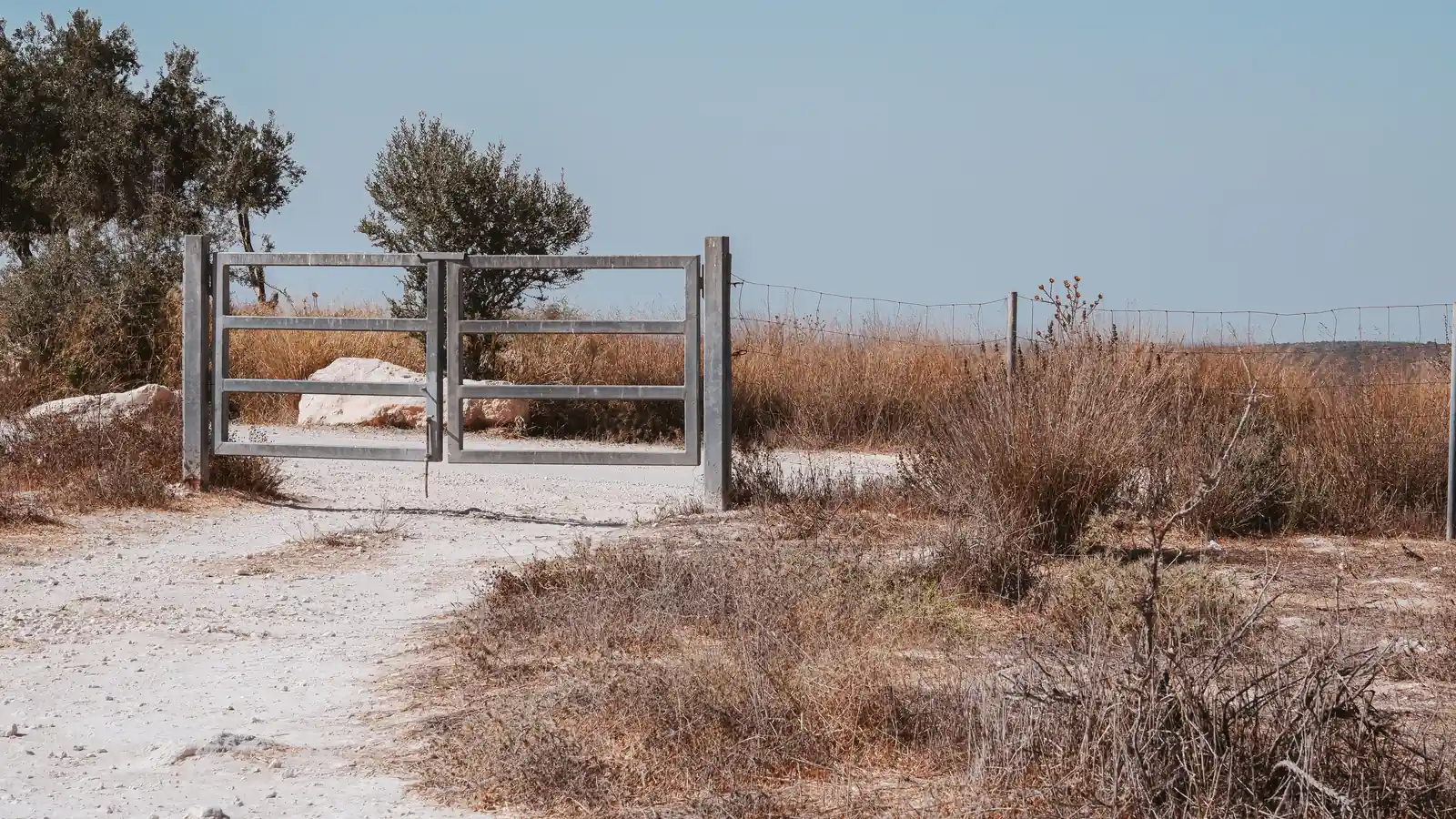
Start with a recent aerial image or survey of the parcel. Mark every place a vehicle could realistically enter: gates, fence gaps, washes or tracks used by off-road vehicles, and road frontage without a fence. Mark any spots that matter for your plans, such as a future building site, a well, a materials pile or a location where dumping has happened before.
On a site visit, stand at each candidate mount and check the sky view in different directions, the signal on your phone, and whether the camera would see a vehicle approaching rather than just passing. Consider how you will reach the camera for cleaning and adjustment, and who can do that if you live far away. Note the nearest neighbor and the road, so the view can stay on your land.
After installation, check that the camera is online regularly and review alerts for the first few weeks. Adjust detection zones to exclude the public road or a neighbor's driveway. If the parcel will soon become a construction site, the same camera approach continues to apply during building, and EyeBuild's construction pages describe that use in more detail.
Keep a record of any incident with exported clips, the date and the time, and share it promptly with local authorities when appropriate.
Arizona rental or EyeCore ownership
| Question | Arizona property | Property anywhere in the US |
|---|
| Product | EyeBuild or EyeGuard rental | EyeCore ownership |
|---|
| Installation | Installed by EyeBuild; same-day installation available for Arizona rentals | Ships to you; self-installed |
|---|
| Pricing | Published monthly rental rates | Request a quote |
|---|
| Alert review | Your team (EyeBuild) or third-party monitoring center verification (EyeGuard) | Your team reviews alerts in the app |
|---|
| Connection | Built-in cellular | SIM, Wi-Fi or Starlink |
|---|
Agriculture · Energy and utilities · Ranch guide · Pricing · National directory
Frequently asked questions
Can I put a camera on land with no power?
Yes. EyeBuild, EyeGuard and EyeCore cameras use solar and battery power. Confirm sun exposure and connectivity.
Will the camera catch dumping?
A camera placed at the entry or a known dumping spot can record vehicles and people. Results depend on distance, lighting and angle.
How do I know the camera is still working?
Check that it is online in the app. Live view and recorded footage confirm it is working.
Does EyeBuild install outside Arizona?
No. Anywhere in the US, including Arizona, EyeCore ships for self-installation. Request a quote.
Can I rent only until construction starts?
In Arizona, EyeBuild and EyeGuard rentals are month-to-month.
Who sees the alerts?
Your team, for EyeBuild rentals and EyeCore; EyeGuard rentals in Arizona add third-party monitoring center verification.
Sources & photo credits
- Photo: Dietmar Rabich, CC BY-SA 4.0, via Wikimedia Commons. Cropped and converted to WebP.
- Photo: Josh Hild, Pexels License, via Pexels. Cropped and converted to WebP.
- Photo: ESO/S. Egner, CC BY 4.0, via Wikimedia Commons. Cropped and converted to WebP.
- Photo: Thomas P, Pexels License, via Pexels. Cropped and converted to WebP.
- Photo: Vladimir Srajber, Pexels License, via Pexels. Cropped and converted to WebP.
- Photo: Ann Perkas, Pexels License, via Pexels. Cropped and converted to WebP.
- Photo: USDAgov, Public domain, via Wikimedia Commons. Cropped and converted to WebP.
- Photo: Austin Sullivan, Pexels License, via Pexels. Cropped and converted to WebP.
- Photo: Hayden Soloviev, CC BY 4.0, via Wikimedia Commons. Cropped and converted to WebP.
- Photo: Greg N, CC BY-SA 3.0, via Wikimedia Commons. Cropped and converted to WebP.


