Gates and access roads are where most vehicles enter rural property, so they are the most useful place for a camera. EyeBuild cameras run on solar and battery, record Full HD and connect over cellular. EyeCore adds license plate recognition. In Arizona, rentals are installed for you. Elsewhere, EyeCore ships for self-installation. Request a quote.
Quick facts
- Video
- Full HD
- Power
- Solar and battery
- Connections
- SIM / Wi-Fi / Starlink (EyeCore)
- Storage
- 30-day cloud storage
- Arizona
- EyeBuild or EyeGuard rental installed for you, or buy EyeCore
- Anywhere in the US
- EyeCore ships and is self-installed · Request a quote
What EyeCore gives you
- AI detection
- people and vehicles, not wind or animals
- License-plate reading
- allow / block lists, alerts on hits
- Night vision
- infrared, Full HD after dark
- Solar powered
- panel + battery, up to 14 days of battery backup, depending on conditions
- No wiring, no trenching
- nothing to run, nothing to dig
- Works without Wi-Fi
- 4G LTE; data included; no Wi-Fi required
- Full HD video
- live view and continuous 24/7 recording
- 30-day cloud storage
- timeline playback and clips
- Automatic time-lapse
- project progress, no setup
- Self-install in minutes
- ships anywhere in the US
- You own the unit
- buy once, no rental
- Multi-site dashboard
- every camera, one login
Request a quoteWhy the gate comes first
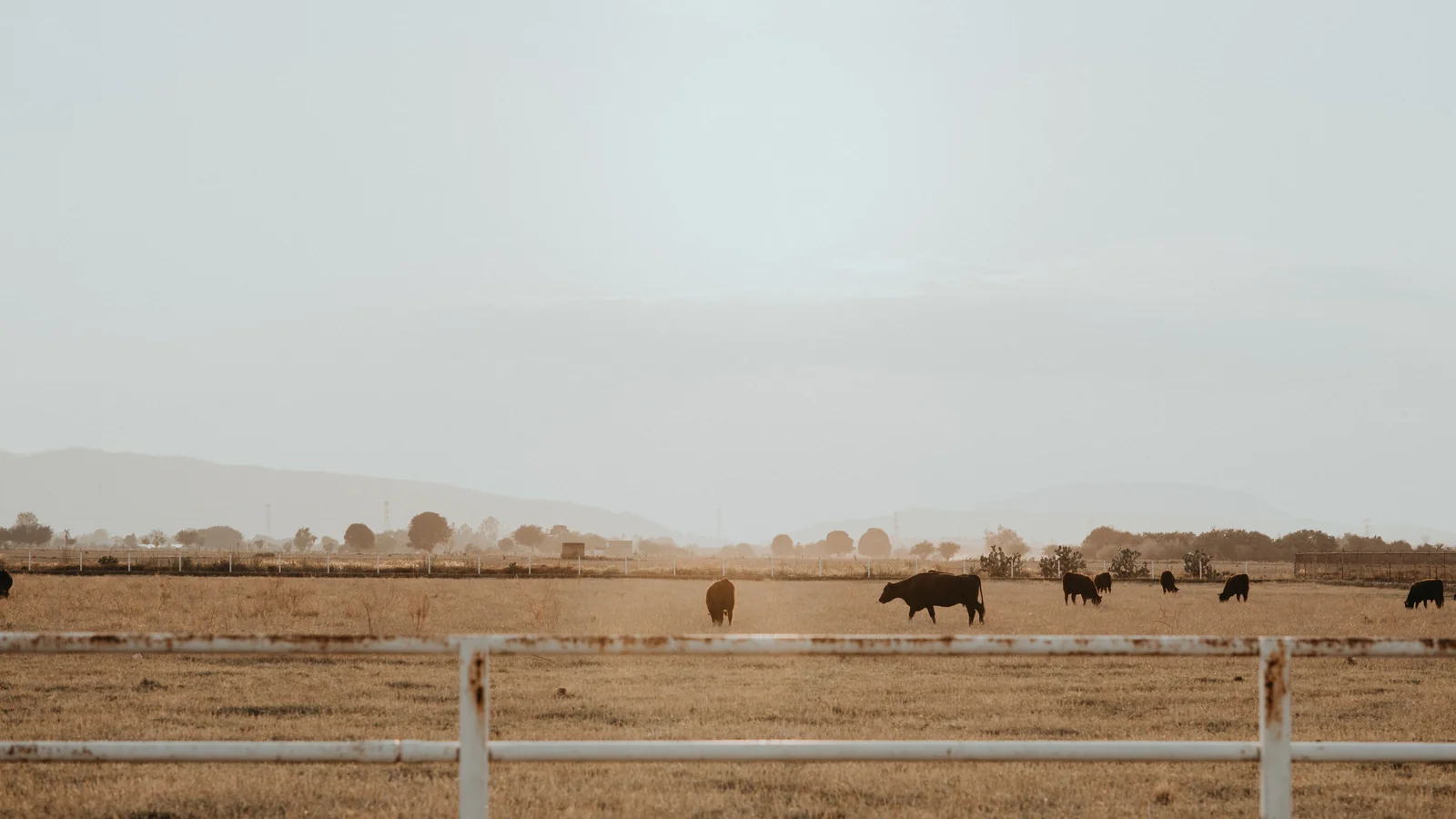
On most ranches, farms and rural parcels, people and vehicles arrive along a small number of routes: the main gate, a cattle guard, a secondary pasture gate or a road turnoff. Watching those routes captures nearly everything that enters, while a camera aimed across open land may only show distant movement. If you can afford only one camera, the main access point is usually the best place to start.
A gate camera also records ordinary traffic: deliveries, contractors, employees and guests. That history is useful on its own, for example to confirm when a delivery arrived or who left a gate open.
Placement for vehicles and plates
 Detailed close-up view of solar panels showcasing renewable energy technology.
Place the camera where vehicles slow down, such as just before a closed gate, a cattle guard or a turn. Aim along the direction of travel at a modest angle rather than straight across the road, so the camera sees the vehicle approaching. For license plate recognition with EyeCore, results depend on distance, angle, lighting and speed; a closer, slower, well-lit view gives better results. Avoid pointing into headlights or the low sun if you can.
Mount the camera on a sturdy pole set back from the gate so vehicles and equipment cannot hit it, and high enough to discourage tampering. Give the solar panel a clear sky view and keep the lens away from road dust where possible. Plan safe access for cleaning.
Alerts that ignore the public road
Use detection zones that cover the driveway and gate area but exclude traffic on the county road or highway. AI detection focuses on people and vehicles. Add schedules if daytime traffic is normal and only night entries need alerts. With EyeBuild rentals and EyeCore, alerts go to your team in the app. EyeGuard rentals in Arizona add third-party monitoring center verification, which can contact you or request dispatch if warranted.
Arizona gates and gates elsewhere
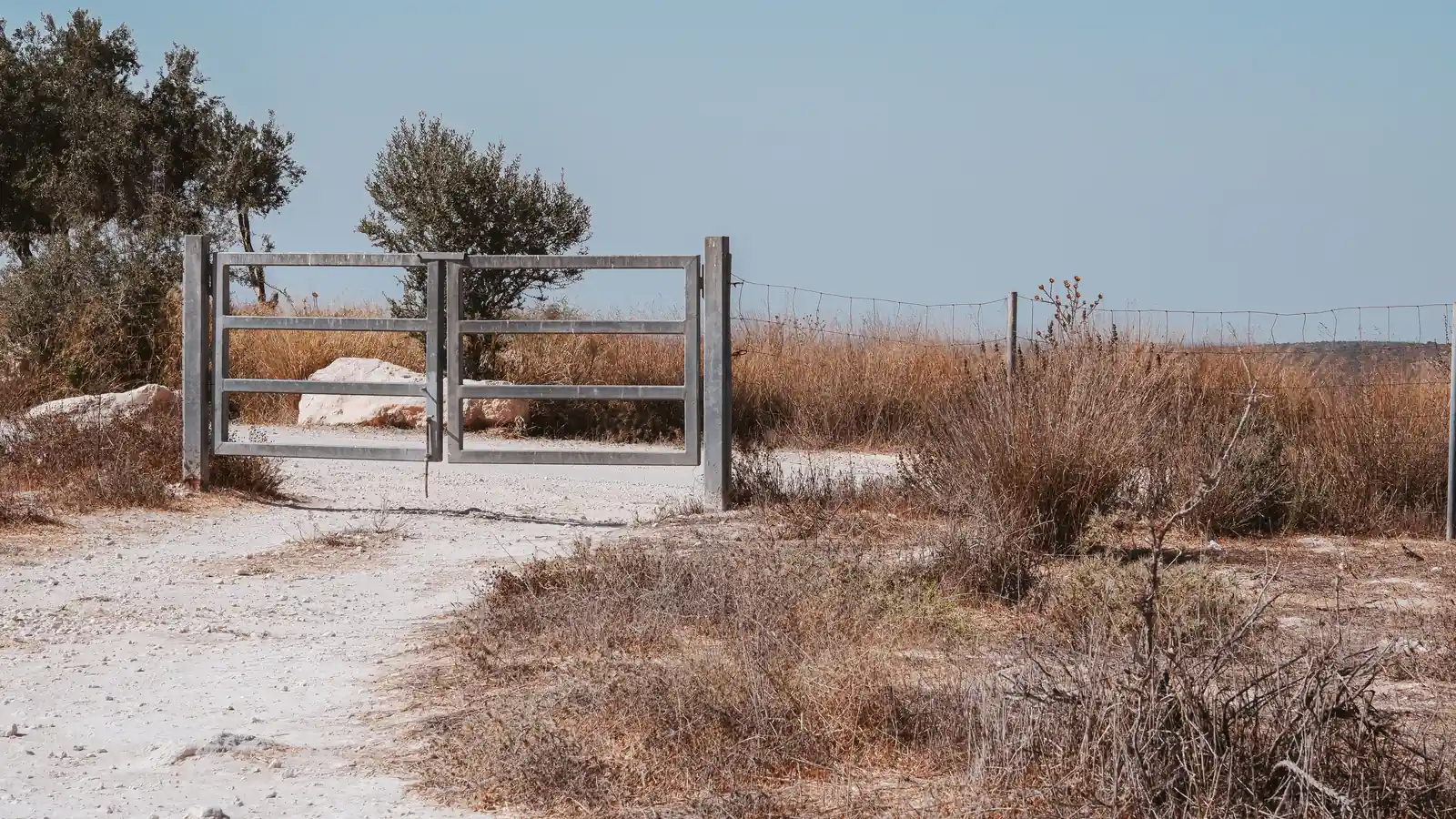
In Arizona, EyeBuild and EyeGuard are rentals that EyeBuild installs; same-day installation is available for Arizona rentals, subject to scheduling and location. Rental rates and month-to-month terms are published on the pricing page, plus the one-time installation charge listed there.
Anywhere in the US, including Arizona, EyeCore is camera ownership: shipped to you, self-installed and solar-only, with continuous 24/7 Full HD recording, 30 days of cloud storage, AI alerts and license plate recognition. Hardware, software plan and data plan are billed separately, and pricing is by quote.
Connectivity at the property line
 A communication tower in a rural field with a clear blue sky.
Gates are often at the edge of the property, far from buildings. Test cellular signal at the mounting point; the FCC National Broadband Map shows reported coverage but is not a guarantee. For EyeCore, Wi-Fi seldom reaches a distant gate without a powered bridge; Starlink can serve a gate with a clear sky view, its own power and service. Use strong credentials and current firmware.
Planning checklist for a gate camera
 A serene view of green orchard rows under a partly cloudy sky, showcasing agricultural beauty.
Before mounting, drive in and out of the gate at the speed most vehicles use, and note where they slow, stop or turn. That spot is usually the best target for the camera. Measure roughly how far the camera will be from the vehicle, and think about headlights at night and the sun at dawn and dusk, both of which can wash out a view aimed directly along the road.
Check the panel location for shade at different times of day and seasons, and confirm signal strength at the pole, not at the house. Consider whether the gate is opened by a keypad, a remote or by hand; the camera can document who used it and when. Make sure trucks, trailers and equipment have room to swing past the pole without hitting it.
Once the camera is working, look through a week of footage. Confirm vehicles are clear and, with EyeCore, review license plate results. Adjust angle or zones if needed. If there are several entrances, add cameras at the secondary gates after the main gate is working well, rather than spreading a first purchase too thin.
Tell regular visitors that the gate is recorded, and post a sign if appropriate. Walk the route a visitor would actually take from the road to the gate before fixing any mount position, and note where the sun falls at the hours that matter most.
Arizona rental or EyeCore ownership
| Question | Arizona property | Property anywhere in the US |
|---|
| Product | EyeBuild or EyeGuard rental | EyeCore ownership |
|---|
| Installation | Installed by EyeBuild; same-day installation available for Arizona rentals | Ships to you; self-installed |
|---|
| Pricing | Published monthly rental rates | Request a quote |
|---|
| Alert review | Your team (EyeBuild) or third-party monitoring center verification (EyeGuard) | Your team reviews alerts in the app |
|---|
| Connection | Built-in cellular | SIM, Wi-Fi or Starlink |
|---|
Agriculture · Energy and utilities · Ranch guide · Pricing · National directory
Frequently asked questions
Can the camera read license plates?
EyeCore includes license plate recognition. Accuracy depends on distance, angle, lighting and vehicle speed.
Where exactly should the camera go?
Where vehicles slow down before the gate or cattle guard, set back from the road and out of reach of passing equipment.
Will highway traffic trigger alerts?
Detection zones can exclude the public road so alerts focus on your driveway.
Does the gate need power or Wi-Fi?
No. The cameras use solar and battery power and cellular connectivity; EyeCore can also use Wi-Fi or Starlink.
Does EyeBuild install outside Arizona?
No. Anywhere in the US, including Arizona, EyeCore ships for self-installation. Request a quote.
Is pricing published?
Arizona rental rates are on the pricing page. EyeCore is quote-only.
Sources & photo credits
- Photo: Greg N, CC BY-SA 3.0, via Wikimedia Commons. Cropped and converted to WebP.
- Photo: Brunxs, Pexels License, via Pexels. Cropped and converted to WebP.
- Photo: Los Muertos Crew, Pexels License, via Pexels. Cropped and converted to WebP.
- Photo: Ann Perkas, Pexels License, via Pexels. Cropped and converted to WebP.
- Photo: Vladimir Srajber, Pexels License, via Pexels. Cropped and converted to WebP.
- Photo: Thomas P, Pexels License, via Pexels. Cropped and converted to WebP.
- Photo: USDAgov, Public domain, via Wikimedia Commons. Cropped and converted to WebP.
- Photo: Austin Sullivan, Pexels License, via Pexels. Cropped and converted to WebP.
- Photo: Hayden Soloviev, CC BY 4.0, via Wikimedia Commons. Cropped and converted to WebP.
- Photo: Dietmar Rabich, CC BY-SA 4.0, via Wikimedia Commons. Cropped and converted to WebP.


