Ranches and rural land need cameras that run without utility power or Wi-Fi. EyeBuild cameras use solar and battery power, record in Full HD and connect over cellular. In Arizona, EyeBuild and EyeGuard rentals are installed for you. Elsewhere in the United States, EyeCore ships for self-installation with SIM, Wi-Fi or Starlink connectivity. Request a quote.
Quick facts
- Video
- Full HD
- Power
- Solar and battery
- Connections
- SIM / Wi-Fi / Starlink (EyeCore)
- Storage
- 30-day cloud storage
- Arizona
- EyeBuild or EyeGuard rental installed for you, or buy EyeCore
- Anywhere in the US
- EyeCore ships and is self-installed · Request a quote
What EyeCore gives you
- AI detection
- people and vehicles, not wind or animals
- License-plate reading
- allow / block lists, alerts on hits
- Night vision
- infrared, Full HD after dark
- Solar powered
- panel + battery, up to 14 days of battery backup, depending on conditions
- No wiring, no trenching
- nothing to run, nothing to dig
- Works without Wi-Fi
- 4G LTE; data included; no Wi-Fi required
- Full HD video
- live view and continuous 24/7 recording
- 30-day cloud storage
- timeline playback and clips
- Automatic time-lapse
- project progress, no setup
- Self-install in minutes
- ships anywhere in the US
- You own the unit
- buy once, no rental
- Multi-site dashboard
- every camera, one login
Request a quoteWhy rural property needs a different camera plan
 Detailed close-up view of solar panels showcasing renewable energy technology.
A ranch, farm or parcel of vacant land rarely looks like the sites most security systems are designed for. The places that matter most, such as the main gate, a hay barn, a fuel tank, a well, a pump or an equipment yard, are often far from the house and far from any outlet or router. Running trenching and conduit to a single camera can cost more than the camera itself, and a long Wi-Fi bridge depends on line of sight and on power at both ends. A camera plan for rural land starts with those realities instead of treating them as exceptions.
EyeBuild cameras were built for job sites that have the same problem: no permanent power, no wired internet and assets spread across open ground. Each unit carries its own solar panel and battery, records in Full HD, keeps 30 days of cloud storage and uses AI detection to flag people and vehicles rather than every moving branch. Those same characteristics are what make the equipment useful on rural property. The rest of this page explains how to decide where cameras go, which product fits your location and what to check before you commit.
This page is a planning guide, not a promise that any camera prevents loss. A camera documents activity, can alert you when a person or vehicle enters a defined area and can support an insurance claim or an incident report. Response still depends on who reviews alerts and how quickly they can act. Being clear about that keeps expectations accurate and helps you design a system around the decisions you actually need to make.
Choose the right product for your location
The deciding question is where the property is. EyeBuild installs cameras only in Arizona. For Arizona ranches and rural parcels, EyeBuild and EyeGuard are rentals: EyeBuild installs the unit, and same-day installation is available for Arizona rentals, subject to scheduling and location. EyeBuild rentals send alerts to your own team. EyeGuard adds human alert verification by a third-party monitoring center, which can contact you or request dispatch if warranted. Published monthly rates, month-to-month terms and the one-time installation charge are listed on the pricing page.
To own the camera — anywhere in the US, including Arizona — the option is EyeCore. EyeCore is camera ownership rather than rental: the hardware ships to you and is self-installed. It uses solar power only, records continuously 24/7 in Full HD, keeps 30 days of cloud storage and provides AI alerts and license plate recognition. You choose a connection, either an EyeBuild data plan with a SIM included or your own data plan, Wi-Fi or Starlink. Hardware, the software plan and the cellular data plan are billed separately, and EyeCore pricing is provided by quote. Alerts are reviewed by your own team in the app.
If you own land in Arizona and also in another state, the two approaches can run side by side. The Arizona parcel can use a rental that EyeBuild installs and services, while a property elsewhere uses EyeCore that you install. Keep the decision tied to each property rather than trying to standardize everything on one product.
Where to place cameras on a ranch or farm
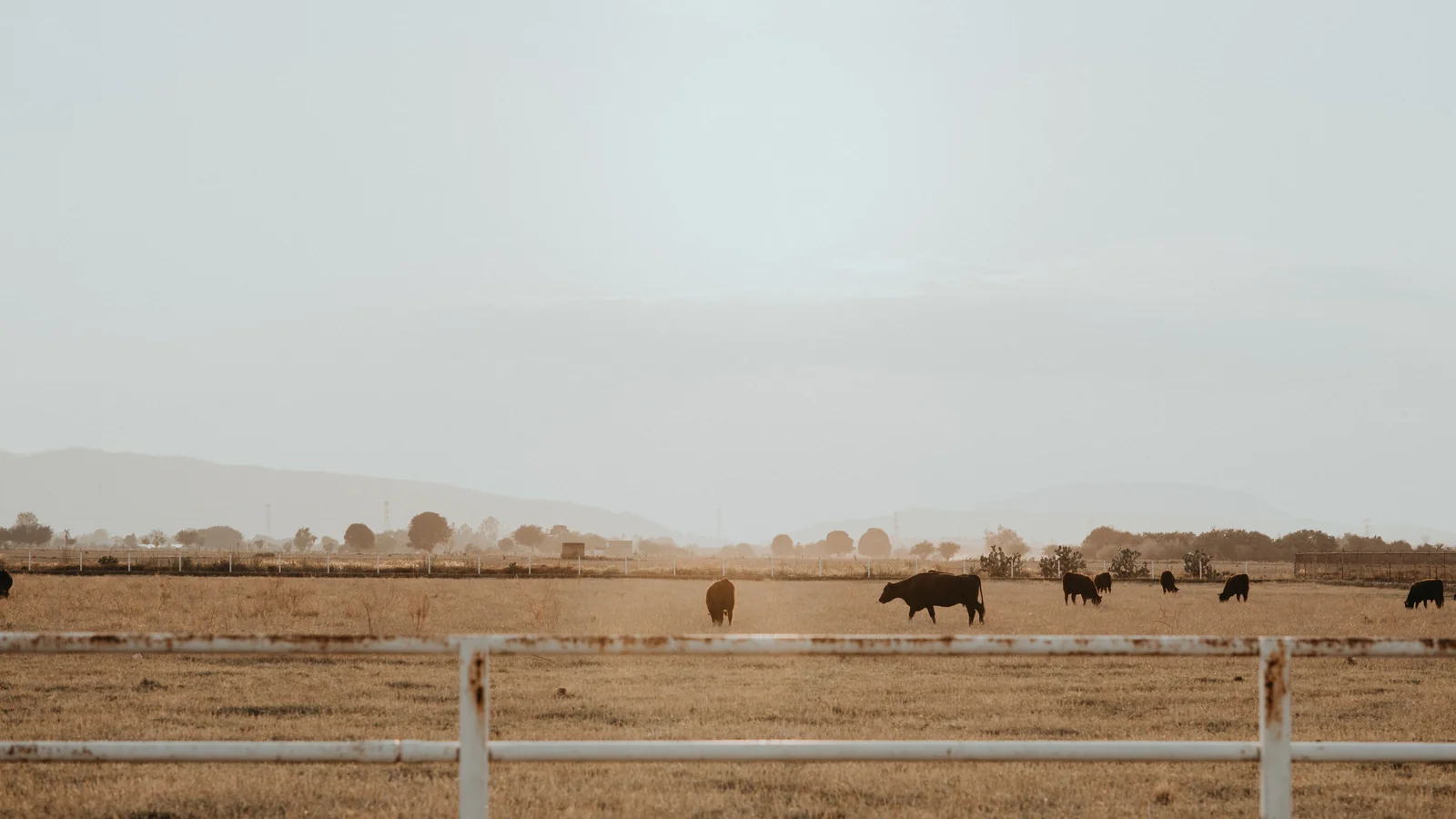
Start with access, not acreage. Most people and vehicles reach a rural property through a small number of gates, cattle guards, county road turnoffs or two-track roads. A camera that sees the approach to the main gate, with enough angle to capture a vehicle and, where lawful and practical, a plate, is usually more useful than a wide view of a pasture. Our gates and access roads page covers that placement in detail.
Next, list the assets that are expensive, portable or hard to replace: tractors and implements, utility vehicles, trailers, fuel storage, tools in a shop, solar pumps, wire and fencing materials, and feed or hay. Group them where you can. A single camera covering an equipment yard, barn door and fuel tank is easier to manage than three cameras each watching one item. Where assets are spread out, prioritize those that would stop work if they disappeared.
Then consider the places where people are allowed to be. Ranch hands, contractors, delivery drivers, hunters with permission and neighbors may all have legitimate reasons to be on the property. Configure detection zones and schedules so alerts reflect activity you would actually act on, and tell authorized users that cameras are present. That reduces unnecessary alerts and avoids disputes later.
Finally, check the physical mounting point. Solar panels need a clear view of the sky for most of the day, and the camera needs a stable mount high enough to reduce tampering. Avoid spots where cattle can rub against the pole, where vegetation grows into the view during the season or where dust from a working road will coat the lens. Plan safe access for cleaning the panel and lens.
Power without running utility lines
Solar power is what makes remote placement practical, but solar output varies with location, season, panel orientation and shading. The National Renewable Energy Laboratory publishes PVWatts, a free calculator that estimates solar production for a given location and panel angle. It does not model a specific camera, but it shows how much sunlight a site can expect across the year and is a useful sanity check for northern or shaded locations.
Shading is the most common avoidable problem. A tree line, barn roof, hill or grain bin that shades the panel for part of the day can reduce charging. Before you mount, watch the spot at different times of day, or check it in winter, when the sun is lowest. In snowy areas, plan to clear the panel after storms. EyeCore is solar-only, so the panel location matters as much as the camera view.
Connectivity: SIM, Wi-Fi or Starlink
 Abandoned rural house with mountains in background, showcasing a rustic and scenic landscape.
Rural connectivity varies from one corner of a property to another. Arizona rentals use built-in cellular, and EyeBuild checks placement during installation. For EyeCore, you choose the connection. A SIM depends on usable cellular signal at the camera itself, not at the house or the highway. The FCC National Broadband Map shows reported coverage by location, but provider-reported maps are not a guarantee, so test the signal at the actual mounting point.
Wi-Fi works when a network reaches the camera location reliably, which on large properties often means a bridge or extender that itself needs power. Starlink is an option where there is a clear sky view, but it requires its own service, equipment and power, and its installation guide describes field-of-view and mounting checks. Whatever you choose, use strong passwords and keep firmware updated; CISA guidance on internet-connected cameras recommends changing default credentials and limiting exposure.
Recording, alerts and privacy
All EyeBuild cameras record in Full HD with 30 days of cloud storage. EyeCore records continuously 24/7 and adds AI alerts and license plate recognition. Use detection zones so a gate camera alerts on vehicles in the driveway but not on traffic on the county road. Decide in advance who receives alerts at night and what they should do, whether that is checking live view, calling a neighbor, or contacting the sheriff.
Point cameras at your own property. Avoid capturing a neighbor's home, yard or windows, and be cautious with audio. Post signs where appropriate. Cameras are a record of events, so keep footage organized and export clips promptly when something happens, before the 30-day storage window passes.
Ranch and rural subcategories
 A serene view of green orchard rows under a partly cloudy sky, showcasing agricultural beauty.
The four pages in this section go deeper on specific situations. Cattle ranches focuses on pens, water, gates and working equipment across large grazing areas. Farms and orchards covers equipment yards, packing areas, pumps and seasonal crews. Remote acreage and vacant land addresses parcels with no buildings at all, where trespassing, dumping or unauthorized building are the concerns. Gates and access roads covers the most common single placement on rural property.
EyeBuild's existing agriculture and energy and utilities pages remain available and cover related operations such as irrigation and remote infrastructure. The national guide to security cameras for ranches, farms and rural land compares connection options and placement in more general terms, and the state pages describe climate and connectivity considerations by state.
How to get started
In Arizona, request an EyeBuild or EyeGuard rental. Share the address, the gates or assets you want covered and the number of cameras you expect. EyeBuild confirms placement and schedules installation; same-day installation is available for Arizona rentals, depending on scheduling and location. Monthly rates are published on the pricing page, plus the one-time installation charge listed there.
Anywhere in the US, including Arizona, you can request an EyeCore quote. Tell us the state, the property type, how many cameras you need and which connection you plan to use. We will quote the hardware, software plan and data plan separately. EyeCore ships to you and is self-installed, so plan who will mount the unit and who will receive alerts.
Arizona rental or EyeCore ownership
| Question | Arizona property | Property anywhere in the US |
|---|
| Product | EyeBuild or EyeGuard rental | EyeCore ownership |
|---|
| Installation | Installed by EyeBuild; same-day installation available for Arizona rentals | Ships to you; self-installed |
|---|
| Pricing | Published monthly rental rates | Request a quote |
|---|
| Alert review | Your team (EyeBuild) or third-party monitoring center verification (EyeGuard) | Your team reviews alerts in the app |
|---|
| Connection | Built-in cellular | SIM, Wi-Fi or Starlink |
|---|
Agriculture · Energy and utilities · Ranch guide · Pricing · National directory
Frequently asked questions
Do I need power or internet at the camera location?
No utility power is needed. EyeBuild, EyeGuard and EyeCore cameras use solar and battery power. Arizona rentals connect over built-in cellular. EyeCore connects through a SIM, Wi-Fi or Starlink that you select.
Does EyeBuild install cameras on ranches outside Arizona?
No. EyeBuild installs only in Arizona. Anywhere in the US, including Arizona, EyeCore ships to you and is self-installed. Request a quote for EyeCore pricing.
How many cameras does a ranch need?
It depends on the number of access points and asset areas, not on acreage. Many properties start with the main gate and the equipment yard, then add cameras at other entrances or remote assets.
Can the camera read license plates at my gate?
EyeCore includes license plate recognition. Results depend on distance, angle, lighting and vehicle speed, so place the camera where vehicles slow down and the plate is visible.
Who watches the alerts?
With EyeBuild rentals and EyeCore, your team receives and reviews alerts. EyeGuard rentals in Arizona add verification by a third-party monitoring center, which can contact you or request dispatch if warranted.
Will cattle or wildlife set off constant alerts?
AI detection focuses on people and vehicles, and detection zones reduce unnecessary alerts. Some false alerts are still possible, so review and adjust zones after installation.
How long is footage kept?
Footage is stored in the cloud for 30 days. Export important clips before they age out.
What does it cost?
Arizona EyeBuild and EyeGuard rental rates are published on the pricing page. EyeCore is quoted, with hardware, software and data billed separately. Request a quote.
Sources & photo credits
- Photo: USDAgov, Public domain, via Wikimedia Commons. Cropped and converted to WebP.
- Photo: Los Muertos Crew, Pexels License, via Pexels. Cropped and converted to WebP.
- Photo: Brunxs, Pexels License, via Pexels. Cropped and converted to WebP.
- Photo: UMUT 🆁🅰🆆, Pexels License, via Pexels. Cropped and converted to WebP.
- Photo: Thomas P, Pexels License, via Pexels. Cropped and converted to WebP.
- Photo: Austin Sullivan, Pexels License, via Pexels. Cropped and converted to WebP.
- Photo: Hayden Soloviev, CC BY 4.0, via Wikimedia Commons. Cropped and converted to WebP.
- Photo: Dietmar Rabich, CC BY-SA 4.0, via Wikimedia Commons. Cropped and converted to WebP.
- Photo: Greg N, CC BY-SA 3.0, via Wikimedia Commons. Cropped and converted to WebP.


