EyeCore offers buy-and-own solar security cameras for Washington, DC sites without a permanent power connection. It ships to Washington, DC and is self-installed, with Full HD recording and SIM, Wi-Fi or Starlink options. Request a quote for hardware, software and the connection your Washington, DC property needs.
Quick facts
- Recording
- Continuous 24/7 recording in Full HD — not just motion clips.
- Operating model
- Buy and own
- Installation
- Ships; self-installed
- Video
- Full HD; continuous 24/7 recording
- Storage
- 30-day cloud storage
- Power
- Solar panel and battery
- Connections
- SIM / Wi-Fi / Starlink
- Pricing
- $3,999 for the first year including camera hardware, solar kit, mounting hardware and data, then $349/month thereafter. Subject to final pricing confirmation.
What EyeCore gives you
- AI detection
- people and vehicles, not wind or animals
- License-plate reading
- allow / block lists, alerts on hits
- Night vision
- infrared, Full HD after dark
- Solar powered
- panel + battery, up to 14 days of battery backup, depending on conditions
- No wiring, no trenching
- nothing to run, nothing to dig
- Works without Wi-Fi
- 4G LTE; data included; no Wi-Fi required
- Full HD video
- live view and continuous 24/7 recording
- 30-day cloud storage
- timeline playback and clips
- Automatic time-lapse
- project progress, no setup
- Self-install in minutes
- ships anywhere in the US
- You own the unit
- buy once, no rental
- Multi-site dashboard
- every camera, one login
Request a quoteOff-grid camera planning in Washington, DC
 Low angle view of a brick apartment building with balconies against a clear blue sky.
Solar security cameras earn their place in Washington, DC wherever a site has a gate to watch but no outlet or network nearby. Across Potomac and Anacostia river terraces, that describes a large share of Washington, DC jobsites, yards and parcels. The planning starts with the Washington, DC property boundary and the route people actually use to reach it. Pick the activity that matters on that Washington, DC site first — the delivery lane, the storage area, the trailer — then choose the camera count.
EyeCore is the buy-and-own option for Washington, DC: the camera, solar panel, battery and SIM ship as one kit and the Washington, DC customer installs and keeps it. Full HD recording, continuous capture, timeline playback, live view and cloud storage come with every Washington, DC camera. Because there is nothing to rent, a Washington, DC owner can move the same camera from one project to the next. Each Washington, DC quote is built around the actual site, the camera count and the intended connection.
Ownership in Washington, DC also means owning the routine around the camera. Decide who in the Washington, DC team receives alerts, who checks live view and who is allowed to visit the property after hours. Keep that Washington, DC contact list current when crews, tenants or managers change.
A Washington, DC site plan should also name the view each camera is responsible for before anything is mounted. Walk the Washington, DC property at the hour deliveries actually arrive and note where vehicles pause, where materials are staged and where a tripod or pole would not interfere with trucks. A camera that watches the Washington, DC gate and the laydown area in one frame usually answers more questions than two cameras aimed at open ground.
Protecting equipment and materials across Washington, DC
 Top-down drone shot of logistics trucks arranged in a row in a parking lot.
The sites that need cameras in Washington, DC follow the state's economy: federal buildings, mixed-use towers, waterfront redevelopment and transit projects. Every one of those Washington, DC projects has a moment when tools, materials or machines sit unattended overnight. The useful Washington, DC camera view is the one that sees that moment — the gate a trailer leaves through, the bay where copper or lumber lands. Inventory what is on your Washington, DC site and map where it changes hands; the camera layout follows from that map.
Treat each Washington, DC gate, trailer, storage container and loading area as a separate view. Aim a Washington, DC camera close enough to the activity that matters rather than at a distant fence line. Pair recording on Washington, DC sites with locks, controlled keys and a closing routine — the camera documents, the routine prevents. When a Washington, DC project moves to a new phase, walk the site and move the camera with it.
Washington, DC weather and solar placement
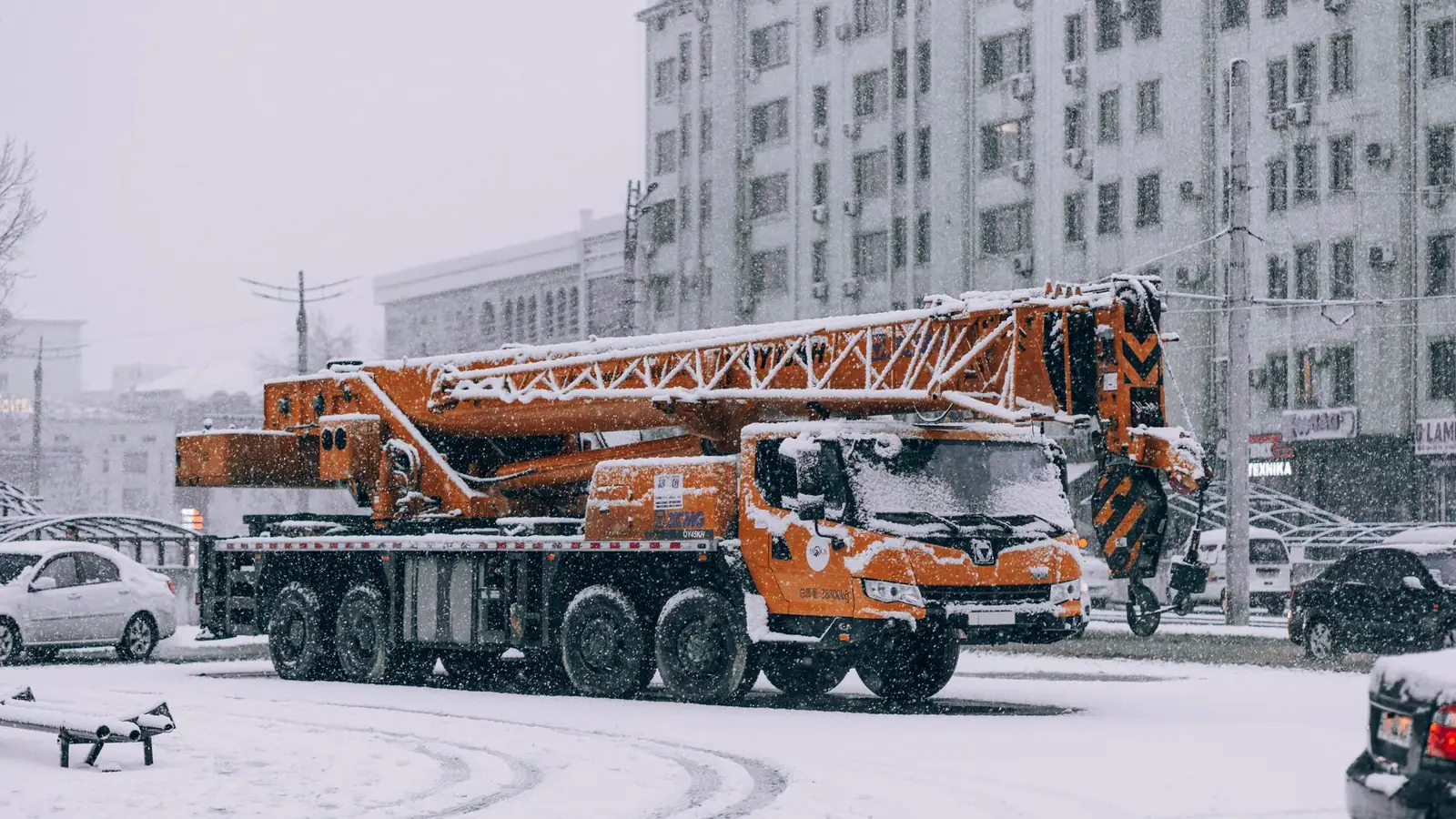
NOAA's State Climate Summaries describe Washington, DC this way: The Washington, DC area has a humid subtropical climate with hot, humid summers, cool winters with occasional snow and frequent summer thunderstorms. That statewide picture explains why panel placement matters on a Washington, DC site. Local shade, terrain and exposure still decide how much sun one Washington, DC camera actually receives. Look at the proposed Washington, DC mounting spot before committing to it.
Check the Washington, DC panel position at different times of day instead of judging it from one sunny photo. Trees, a new roof line, stacked materials or scaffolding can all shade a Washington, DC panel as a project grows. Keep a safe route for servicing the Washington, DC camera that stays out of traffic. Ask the EyeCore team about mounting for Washington, DC wind, snow and rain exposure when you request the quote.
Summer humidity and winter freeze-thaw cycles in Washington, DC both argue for checking mounts and cable routes at each season change. A Washington, DC panel that clears a fence line in January can sit in tree shade by June, so note the leaf cover around the Washington, DC site when choosing the mounting height. Keep the panel face clean of dust and pollen so the battery charges predictably through the Washington, DC summer.
SIM, Wi-Fi or Starlink: test the actual connection
EyeCore connects three ways in Washington, DC: built-in SIM, Wi-Fi or Starlink. The SIM needs a cellular data plan, quoted alongside the Washington, DC hardware and software. Wi-Fi only works when a usable network reaches the Washington, DC camera itself, not just the office down the road. Starlink brings its own service and terminal, so plan how it will reach the Washington, DC camera before choosing it.
The FCC National Broadband Map is the right starting point for a Washington, DC address, and the FCC notes that mobile coverage there is modeled. Test the chosen connection at the real Washington, DC mounting height and location, including the live-view workflow your team will use. Service at a Washington, DC gate behind trees can differ from service at the road.
Washington, DC
EyeCore ships to every neighborhood in the District. Here's how it fits Washington.
Washington, DC builds on mixed-use towers, waterfront redevelopment and federal renovation, spread across river terraces where the Potomac and Anacostia meet. Crews in Washington, DC deal with humid summers, thunderstorms and occasional snow, which is exactly where a camera with its own solar power and its own SIM earns its keep — no outlet to find, no network to extend, no electrician to wait on. EyeCore ships to Washington, DC and the owner's crew installs it, so the gate and the material area of a Washington, DC site are covered as soon as the fence goes up. Full HD recording, AI person and vehicle detection and license-plate reading come standard on every Washington, DC camera.
Solar security cameras in Washington →
Remote land and changing projects in Washington, DC
On remote Washington, DC land, start with the access route, the equipment storage and the places people are allowed to enter. A camera on the main Washington, DC gate is often worth more than a wide view across open acreage. Check that animals, vegetation or moving machines will not block the Washington, DC view or trigger needless alerts. Plan safe access for installing and servicing each Washington, DC camera before it goes up.
On Washington, DC construction sites, review the cameras whenever deliveries, temporary utilities or work boundaries change. Owners with several Washington, DC locations should describe each one separately in the quote, because power and network conditions vary from Washington to the rural edges. EyeCore's multi-site dashboard keeps every Washington, DC camera in one place. Keep Washington, DC records of placements, administrators and response contacts alongside it.
For Washington, DC projects that move through phases, treat the camera plan as a living document. When the Washington, DC laydown yard shifts or a new gate opens, move the view before the gap is noticed. A short monthly review of each Washington, DC camera's frame, battery level and connection keeps coverage matched to the work actually happening on the ground.
Ships and self-installs: request the right configuration
EyeCore ships to Washington, DC and is self-installed by the owner or their crew. Request a Washington, DC quote with the property location, camera count, software needs and intended connection. Hardware, software and cellular data are listed separately in every Washington, DC quote. Confirm which mounting hardware the Washington, DC site will provide and what support is included.
Before installing in Washington, DC, confirm permission to use the mounting location, safe access and the view you expect. After installation, test live view, playback and alerts with the Washington, DC people who will use them. Make sure each Washington, DC camera sits under the right site in the portal.
When requesting a Washington, DC quote, include the site address, a photo of the intended mounting spot and a note about which connection you prefer. The Washington, DC team can then confirm the kit configuration, the data plan and any accessories in one reply instead of trading messages. Self-installation in Washington, DC is straightforward: mount the unit, aim the panel, power on and confirm the live view from the web portal before leaving the site.
Compare connection choices
| Connection | What it needs | What to verify |
|---|
| SIM | Separate cellular data plan | Reception at the mounting location |
|---|
| Wi-Fi | Usable site network | Network reach, power and permissions |
|---|
| Starlink | Separate service and equipment | Clear sky view, equipment power and network reach |
|---|
EyeCore product specifications · Recording and live video · Privacy policy · Terms of service · Ranch and rural land cameras · Nationwide directory
Frequently asked questions
Does EyeCore work without Wi-Fi in Washington, DC?
Yes. The built-in SIM connects an EyeCore camera wherever suitable cellular service reaches the Washington, DC site, with a data plan quoted alongside the hardware. Test the exact Washington, DC mounting spot, because a coverage map is modeled.
Can EyeCore run on solar power through Washington, DC winters and storms?
EyeCore pairs a solar panel with a battery so the camera keeps recording through stretches of weak sun in Washington, DC. Panel exposure on the specific Washington, DC site matters most; check shade before mounting.
Who installs EyeCore in Washington, DC?
The owner or the owner's crew installs EyeCore in Washington, DC; nothing is wired to a building. The Washington, DC quote lists the kit contents, mounting needs and support so the installer knows what to expect.
How is EyeCore priced for a Washington, DC project?
For a Washington, DC project, EyeCore: $3,999 for the first year including camera hardware, solar kit, mounting hardware and data, then $349/month thereafter. Subject to final pricing confirmation. Order or ask a question with your Washington, DC address to start.
Does EyeCore work on ranches and remote land in Washington, DC?
Yes. Solar power and a built-in SIM, Wi-Fi or Starlink let an EyeCore camera watch a Washington, DC gate, barn or equipment yard with no outlet nearby.
Can an EyeCore camera move to the next Washington, DC job site?
Yes. An owned EyeCore kit can be remounted at another Washington, DC site; recheck sun, signal and the view there.
Sources & photo credits
- Photo: Aude, CC BY-SA 2.5, via Wikimedia Commons. Cropped and converted to WebP.
- Photo: Goodnight.exe_, Pexels License, via Pexels. Cropped and converted to WebP.
- Photo: Lidia Volovaci, Pexels License, via Pexels. Cropped and converted to WebP.
- Photo: Khusen Rustamov, Pexels License, via Pexels. Cropped and converted to WebP.
- Photo: Matthew T Rader, CC BY-SA 4.0, via Wikimedia Commons. Cropped and converted to WebP.
- Photo: Tuxyso, CC BY-SA 3.0, via Wikimedia Commons. Cropped and converted to WebP.
- Photo: Wilfredor, CC0, via Wikimedia Commons. Cropped and converted to WebP.
In Arizona? We install for you →


